
COURSE DETAILS

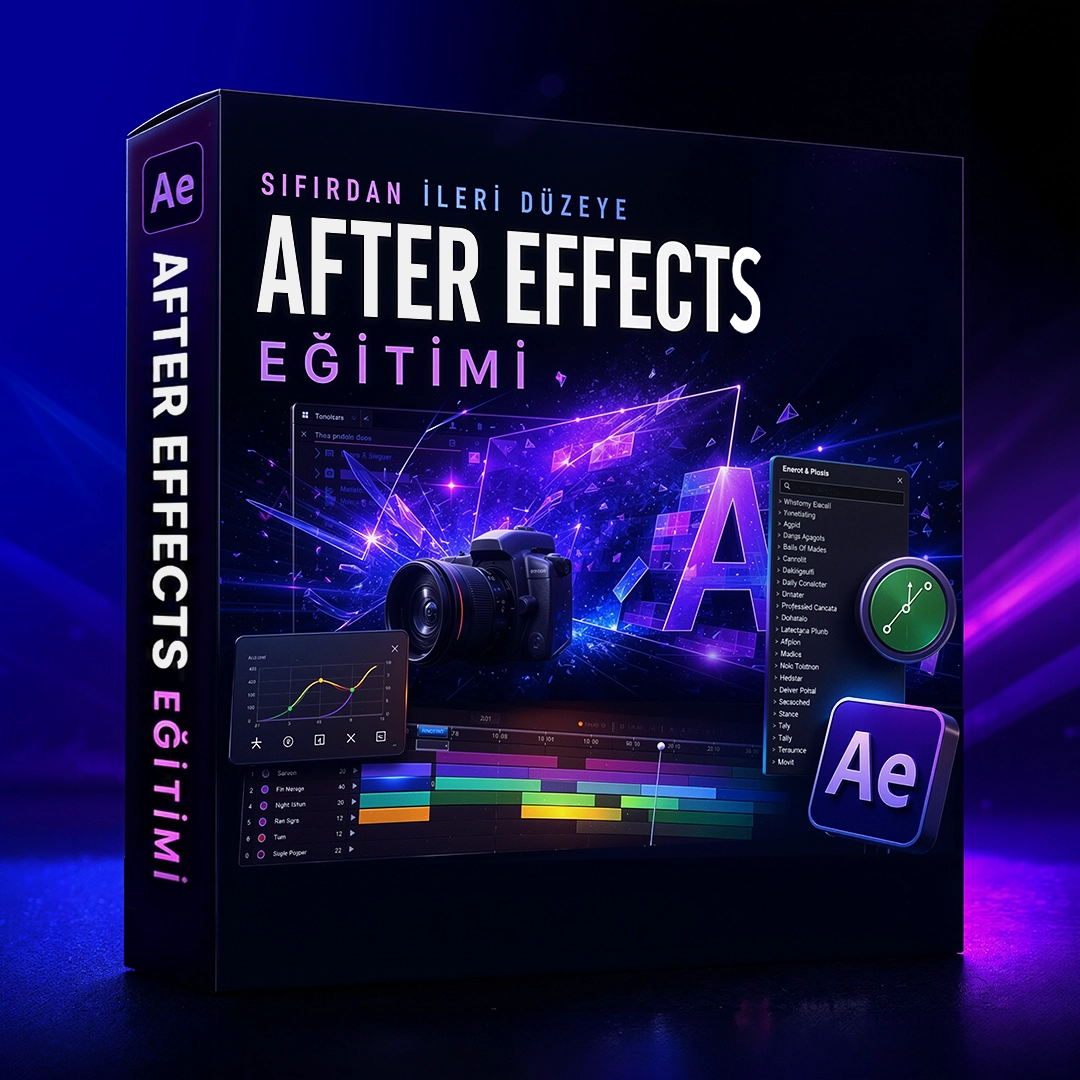
After Effects Training from Beginner to Advanced

Instructor: Muhammet Emin Özata
Total: 75 Video Lessons
About Course
In this comprehensive After Effects course, you will dive into the fascinating world of motion graphics and visual effects. From the basic interface of the program starting from creating professional level animations, advanced masking techniques, camera control in 3D environment and artificial intelligence supported We will cover topics such as transitions in depth. During the lessons, you will learn the working logic of After Effects, file management, composition, You will learn layer manipulations and effect usage with practical examples. At the end of the course, you will be able to realize your own creative projects. You will have the competence to use After Effects effectively in social media and professional video productions.
Course Curriculum
75 LESSONS
Module 1: After Effects Interface and Basic Animations
1 1 Introduction to Interface and Working Logic
Locked Lesson
2 2 Material Management and Project Organization
Locked Lesson
3 3 Project and Composition Settings
Locked Lesson
4 4 Composition Preview and Add Layers
5 5 Timeline and Arranging Layers
Locked Lesson
6 6 Introduction to Transform Properties
Locked Lesson
7 7 Anchor Point and Control
Locked Lesson
8 8 Fundamentals of Animation: Keyframes
Locked Lesson
9 9 Advanced Keyframe Controls and Action Lines
Locked Lesson
10 10 Layer Time Management and Composition Settings
Locked Lesson
11 11 Speed ​​Graphs and Easy Ease
Locked Lesson
12 12 Speed ​​Graphics Sync and Motion Blur App
Locked Lesson
13 13 Multiple Transform Animations and Motion Blur
Locked Lesson
14 14 Shape Layers and Basic Features
Locked Lesson
15 15 Shape Details: Stroke, Fill and Trim Paths
Locked Lesson
16 16 Trim Paths and Line Animations
Locked Lesson
17 17 Alignment, Text and Text Styles
Locked Lesson
18 18 Rendering and Printing Details
Locked Lesson
Module 2: Advanced Layer Control and Relationships
Module 3: Image Processing, Effects and Time Control
Module 4: 3D Environment, Camera and Outsourcing
Module 5: Professional Assembly with Speed ​​Ramp and Masking Transitions
Module 6: Artificial Intelligence Supported Workflows and Location Editing
Module 7: Riva Altınpark İnşaat Edit
Module 8: Treendy Outlet Edit
Module 9: Porsche edit
EminFX Eklenti Kullanımı